fewbase Consent: a cookie banner with a consent log
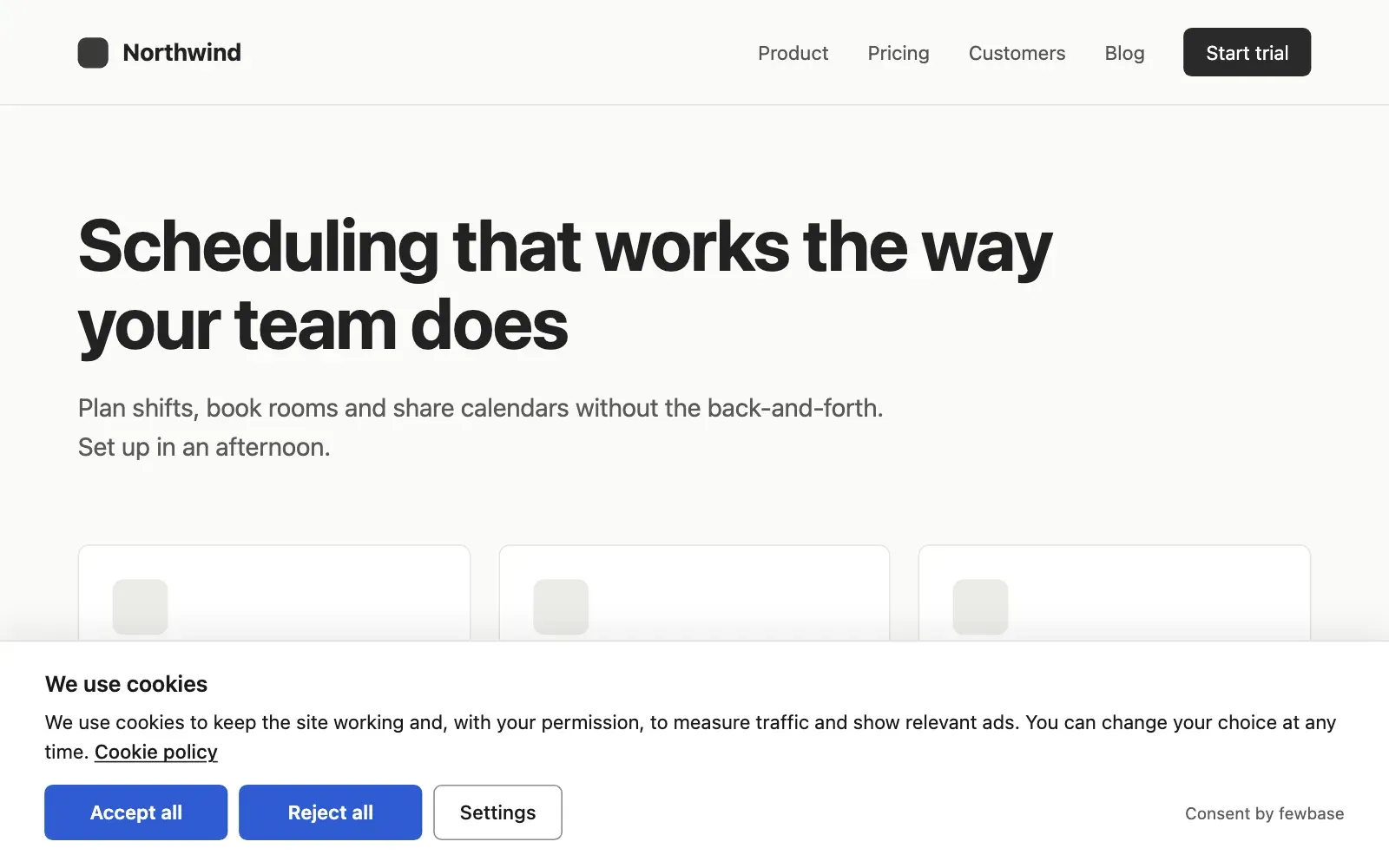
Consent shows a cookie banner on your site and, by default, keeps analytics and ad scripts off until the visitor agrees. You add one line of code to your site. Everything else is set in the dashboard on fewbase.com.
Who it is for
Section titled “Who it is for”Consent is built for a small business or a solo developer with a site for visitors in the EU. One site in Consent is one banner with its own settings, its own log and up to 5 domains. You sign in with the same fewbase account you use for the other tools.
What it does
Section titled “What it does”- The banner. A bar, a box or a window with “Accept all”, “Reject all” and “Settings”. Both main buttons look the same, and nothing is switched on in advance.
- Appearance. Layout, light or dark theme, your accent colour, 26 languages and your own texts, with a live preview.
- Connectors. Google Tag Manager, Google Analytics 4, Google Ads, Meta Pixel and Microsoft Clarity by ID, plus your own scripts. Google Consent Mode v2 is built in.
- Your own tags. Mark a script or an iframe that is already in your HTML, and the banner turns it on after consent.
- Consent log. Every choice with the date, the categories, the language, the page and the country. Export as CSV.
- Settings. Domains, cookie domain, consent period, and the history of changes.
What it does not do
Section titled “What it does not do”Consent does not scan your site. A script that you did not connect or mark runs as before. Check your pages after you install the banner.
Free and paid
Section titled “Free and paid”The Free plan gives 1 site and 5,000 consents a month, with a small “Consent by fewbase” line on the banner. fewbase Pro and fewbase Business raise the numbers and remove the line. See Plans and limits.