One running timer and editable day in Time Recorder
One timer at a time
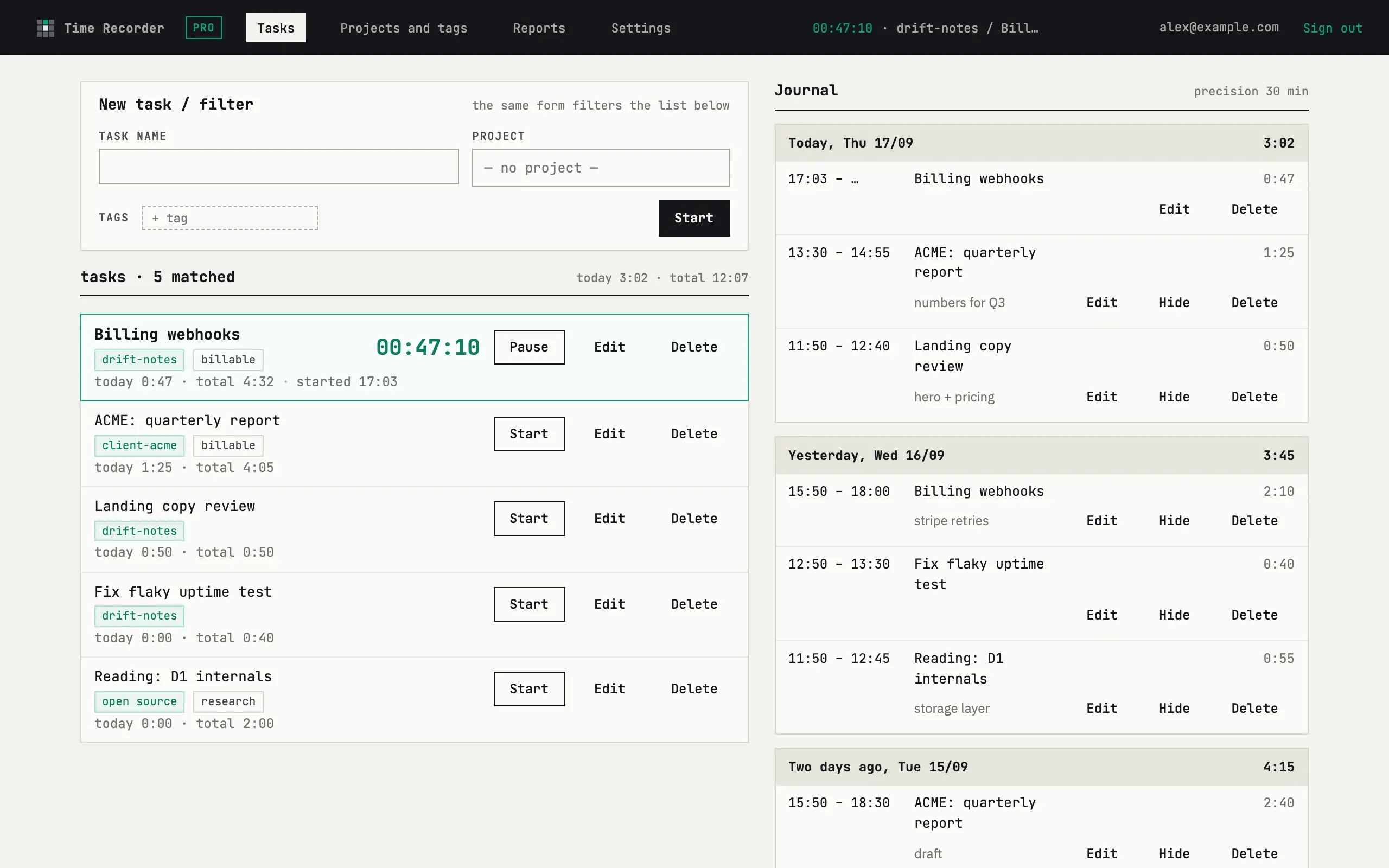
Section titled “One timer at a time”Starting a task stops whichever one is currently running and records its time first — there is only ever one live timer. Switching tasks this way is exact: an automatic stop is never rounded, only an explicit Pause is (see below).
The day is a list of entries
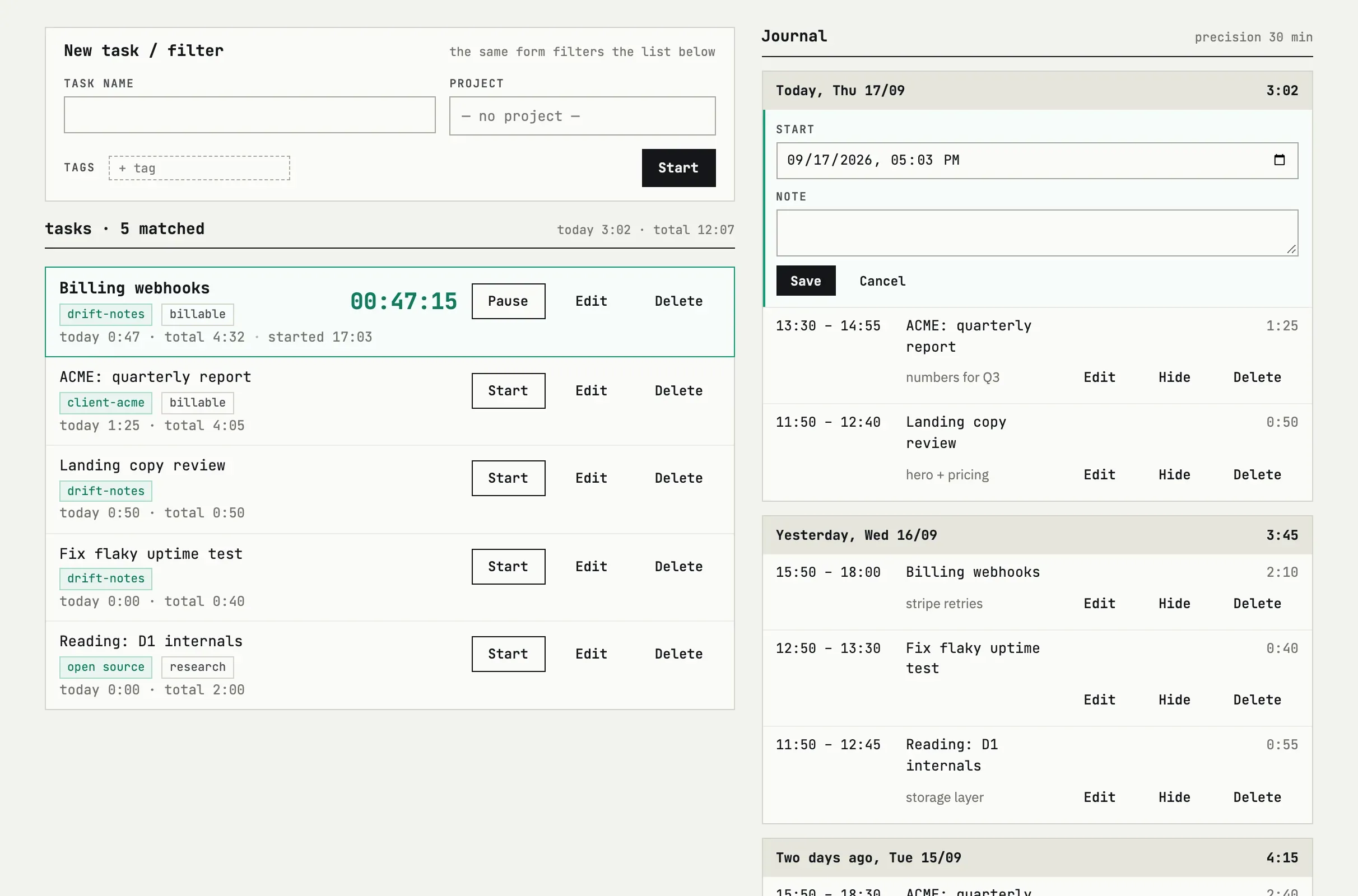
Section titled “The day is a list of entries”Every session becomes one entry with a start and end time; the journal groups them by day for the last 7 days. Nothing here is derived or locked — click Edit on any entry to change its start, end or note.
Rounding on pause
Section titled “Rounding on pause”Rounding step, minutes in Settings controls what happens when you press Pause: the entry’s end is rounded up to the next multiple of that step, and resuming within the same window continues the same entry instead of starting a new one. The step can be anywhere from 0 (exact time, no rounding) to 60 minutes. Automatic stops — switching to another task — always record the exact time; only a deliberate pause rounds.
I forgot to stop the timer — what now?
Press Pause on the task to stop it at the current time (rounded by your precision setting), then click Edit on that entry in the journal and correct the end time — and the start time too, if that drifted. Times are plain fields, not a log you have to live with.
Can I add time by hand for yesterday?
There is no separate “add entry” form — start the task once, which creates an entry, then edit that entry’s start and end times to the hours you actually worked. The journal keeps the last 7 days, so yesterday is always there to edit.