One Telegram bot linked to your fewbase account tools
fewbase uses a single Telegram bot, @fewbase_bot, shared by every tool. Linking it once from the account page connects all of them; there is nothing to configure per tool.
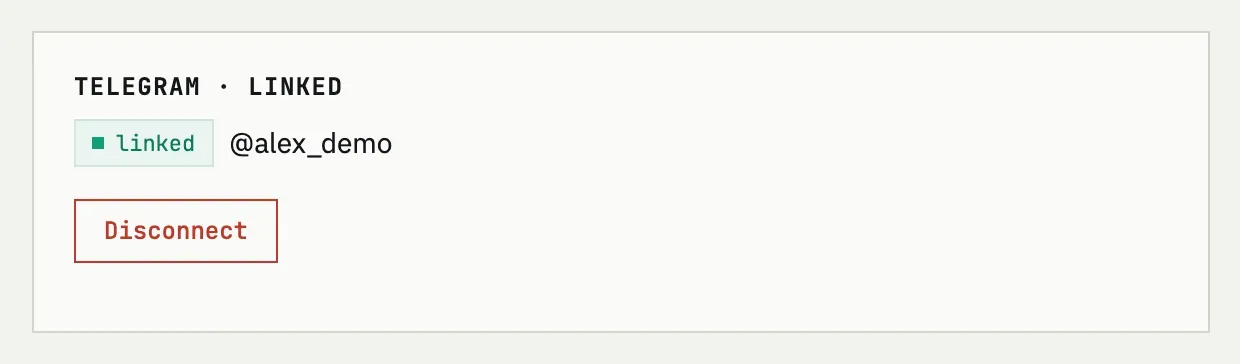
Linking
Section titled “Linking”Press Connect Telegram on the account page. You get a one-time code and a link to the bot; open the link and send the code, or open the bot yourself, press Start, and paste the code. The code is valid for 15 minutes and works once. If a chat is already linked to another fewbase account, linking it again fails — a chat can only belong to one account at a time.
Unlinking
Section titled “Unlinking”Press Disconnect on the account page. The tools keep working normally in the browser; only Telegram commands, reminders and alerts stop.
What each tool does in Telegram
Section titled “What each tool does in Telegram”| Tool | In Telegram |
|---|---|
| Time Recorder | Commands /new and /timer — start a task and see the running one. |
| Subscriptions Tracker | Sends renewal reminders as messages; no commands. |
| Infra Tracker | Commands /status and /costs, plus alerts and the daily digest. |
| Invoices | Nothing yet. |
Can I link a different Telegram account?
Yes. Linking again — from the account page or from the bot — replaces the previous chat with the new one; a fewbase account only ever has one linked chat at a time. If the new chat is already linked to a different fewbase account, you will need to disconnect it there first.