PDF settings, logo and number format in Invoices
Settings holds the one seller profile for your account: the details printed on every document, the bank details for “Pay to”, and the defaults new documents start with.
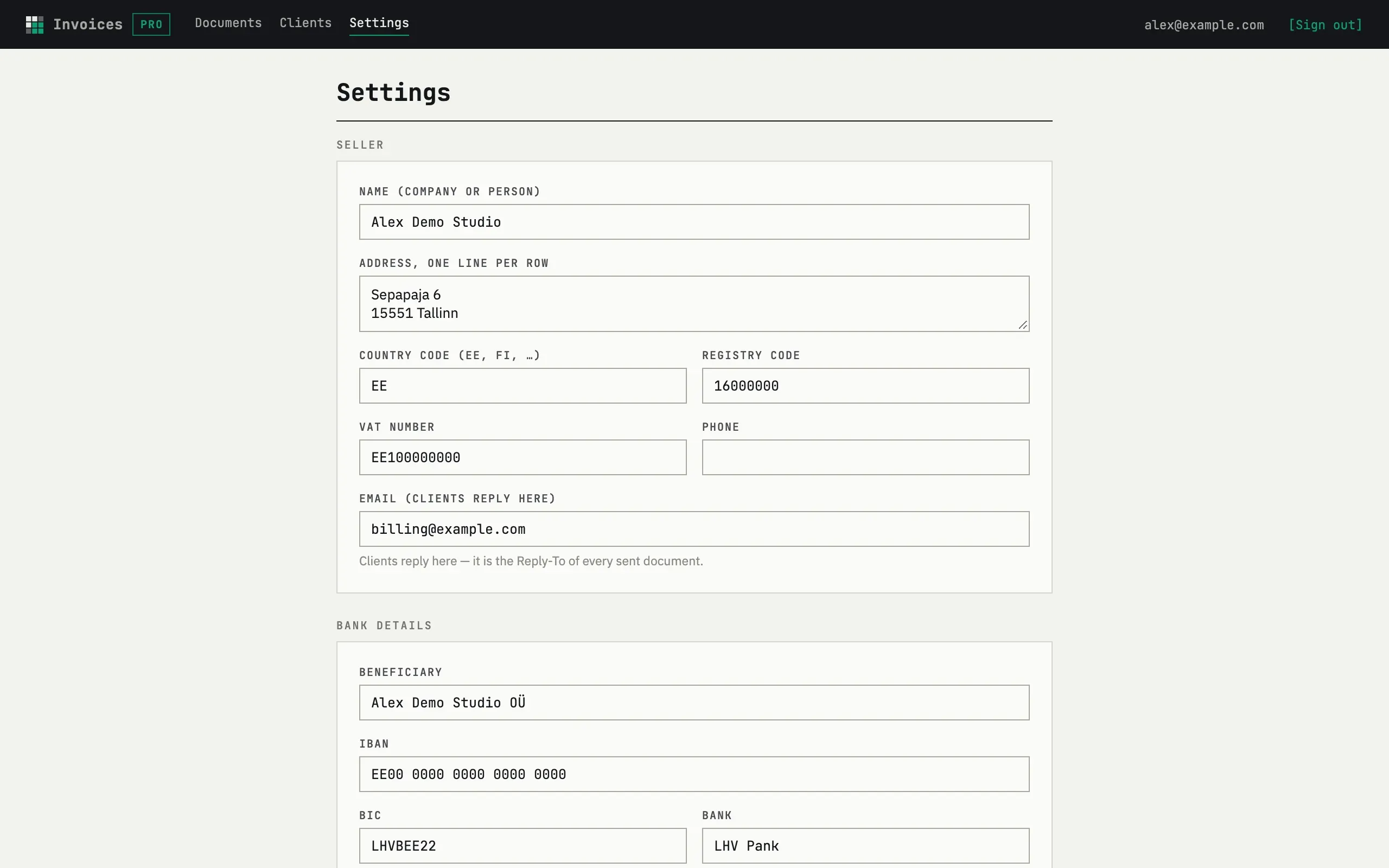
Seller and bank details
Section titled “Seller and bank details”Under Seller, fill in Name (company or person), Address, one line per row (each row is printed as its own line), Country code (EE, FI, …), Registry code, VAT number, Phone and Email (clients reply here) — this address becomes the Reply-To of every document you send. Under Bank details, add Beneficiary, IBAN, BIC and Bank; they print on the sheet and on the public page’s “Pay to” block.
Defaults for new documents
Section titled “Defaults for new documents”Sheet language, Currency (a three-letter code, e.g. EUR) and
Payment term, days (0–365) seed every new document and client. Number
format accepts {YYYY} or {YY} for the year and exactly one {N…}
counter — for example {YYYY}-{NNNN} numbers 2026-0001, 2026-0002, one
sequence per year. The page shows the next number the saved format will
produce. Reminders (after due date) — the days and the on/off switch —
are saved now; sending starts once the schedule ships.
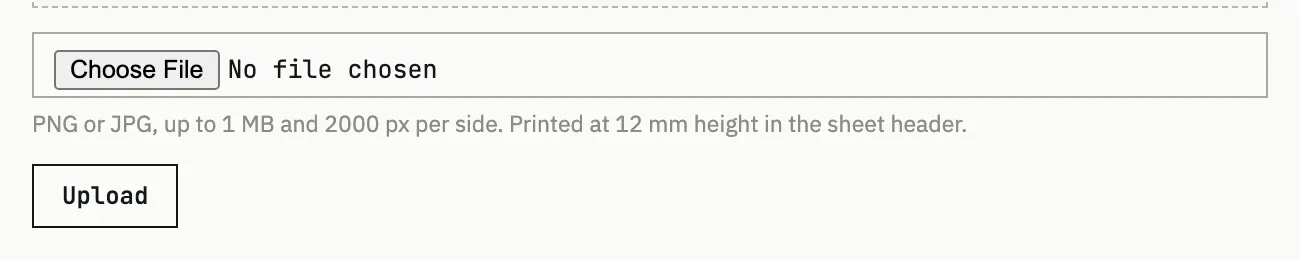
Upload a PNG or JPG, up to 1 MB and 2000 px per side; it prints at 12 mm height in the sheet header. Without one, the sheet prints the seller name instead.
Can I have two sets of details?
No — there is one seller profile per account, shared by every document and client you create.