Statuses and alert thresholds in Infra Tracker
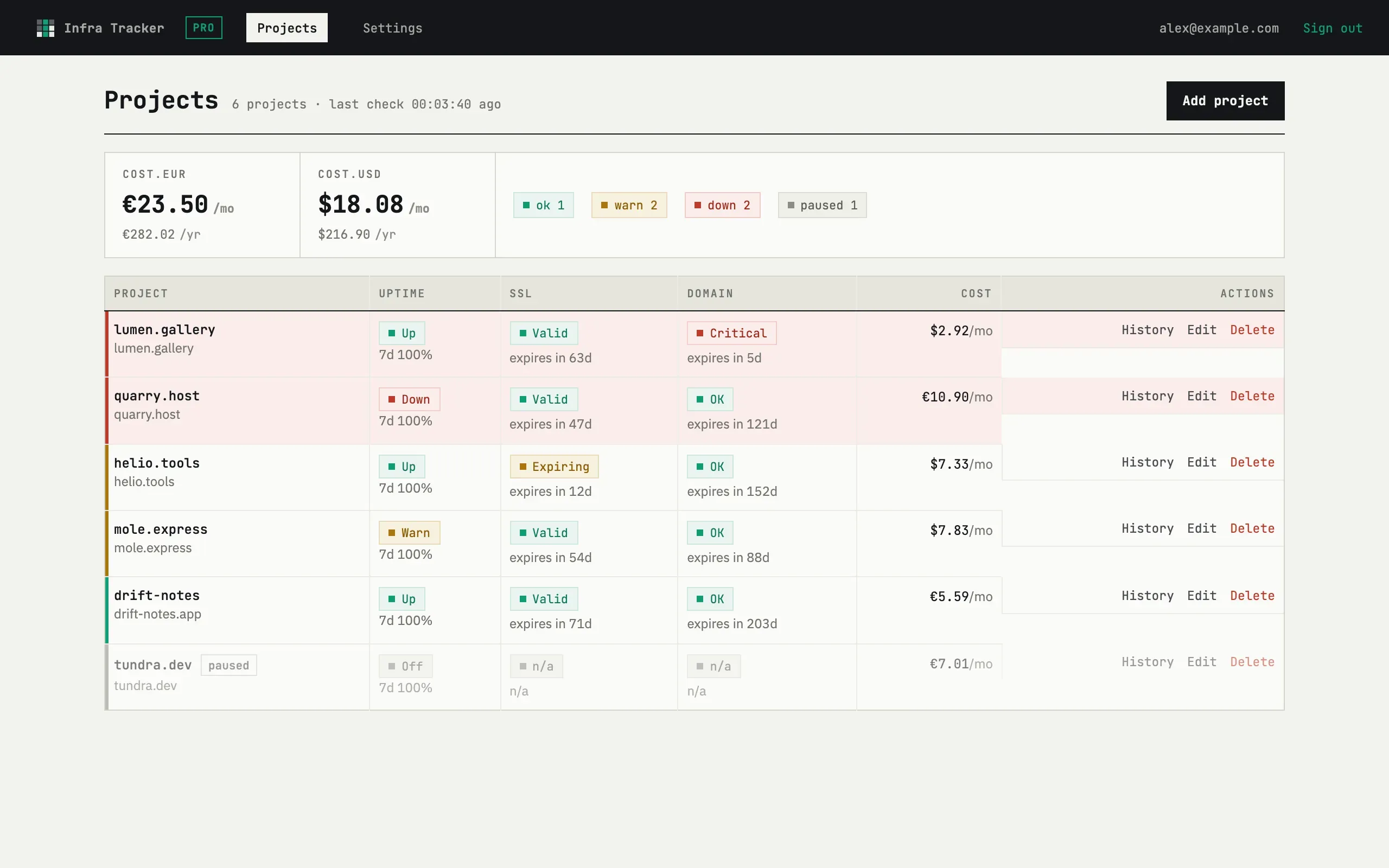
Every check settles on one of three colors. The meaning differs slightly per check, but the idea is the same: green is fine, yellow is worth watching, red needs action.
Uptime
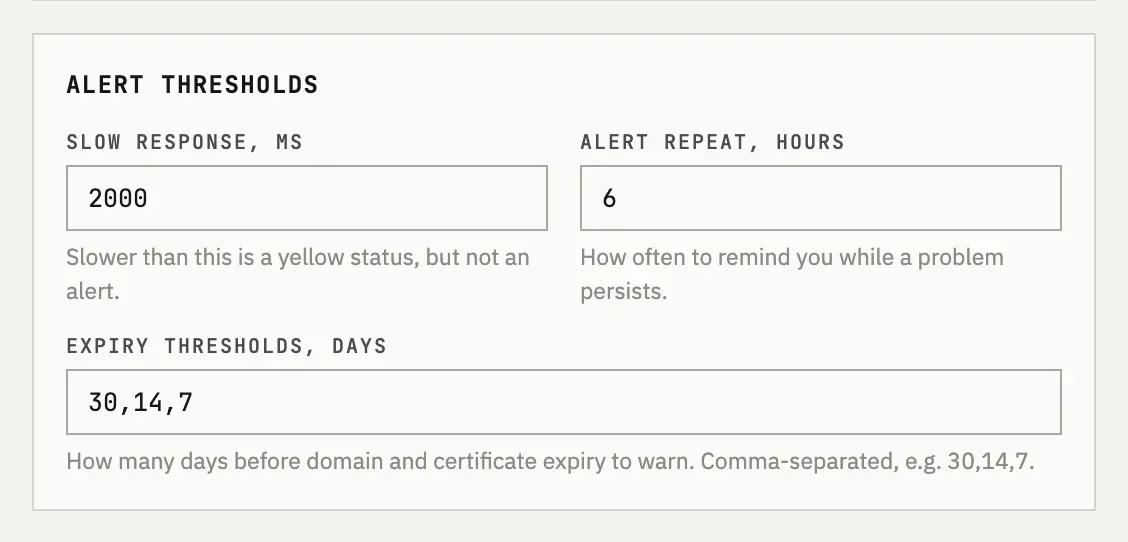
Section titled “Uptime”A request is green when it answers in under the configured limit (Slow response, ms — 2000ms by default). It’s yellow when it answers slower than that, or with an HTTP 4xx status. It’s red the moment a single check comes back with an HTTP 5xx status or a request error — the color reflects that one check, not a run of them.
Failures before alerting (2 by default) doesn’t change the color: it only sets how many consecutive impaired checks (yellow or red) are needed before an alert is actually sent, so a single blip doesn’t page you.
SSL and domain
Section titled “SSL and domain”Both use the same Expiry thresholds, days setting — 30,14,7 by
default. A certificate or domain is green while it has more days left
than the highest threshold, yellow once it drops to or below the
highest threshold, and red once it drops to or below the lowest
threshold, or has actually expired. An invalid SSL chain is always red,
regardless of the expiry date.
Changing the thresholds
Section titled “Changing the thresholds”Open Settings → Alert thresholds to edit Slow response, ms, Alert repeat, hours and Expiry thresholds, days; Failures before alerting lives in the Digest & intervals card next to it.
Why yellow if the site is up?
Uptime status isn’t only about the HTTP code. A 200 response that arrives slower than Slow response, ms is still marked yellow, because a slow response is often the first sign of trouble — the site is up, but not comfortably.
What if I set the thresholds to a single number?
Expiry thresholds, days accepts one or several comma-separated values. With a single number, the yellow and red thresholds are the same day count, so a certificate jumps straight from green to red on that day.