Customers in Support: list, card and revoking a link
A customer is an email address, not an account. The first confirmed request from an address creates the customer; every later request from the same address — through the portal or the widget — joins the same record.
The list
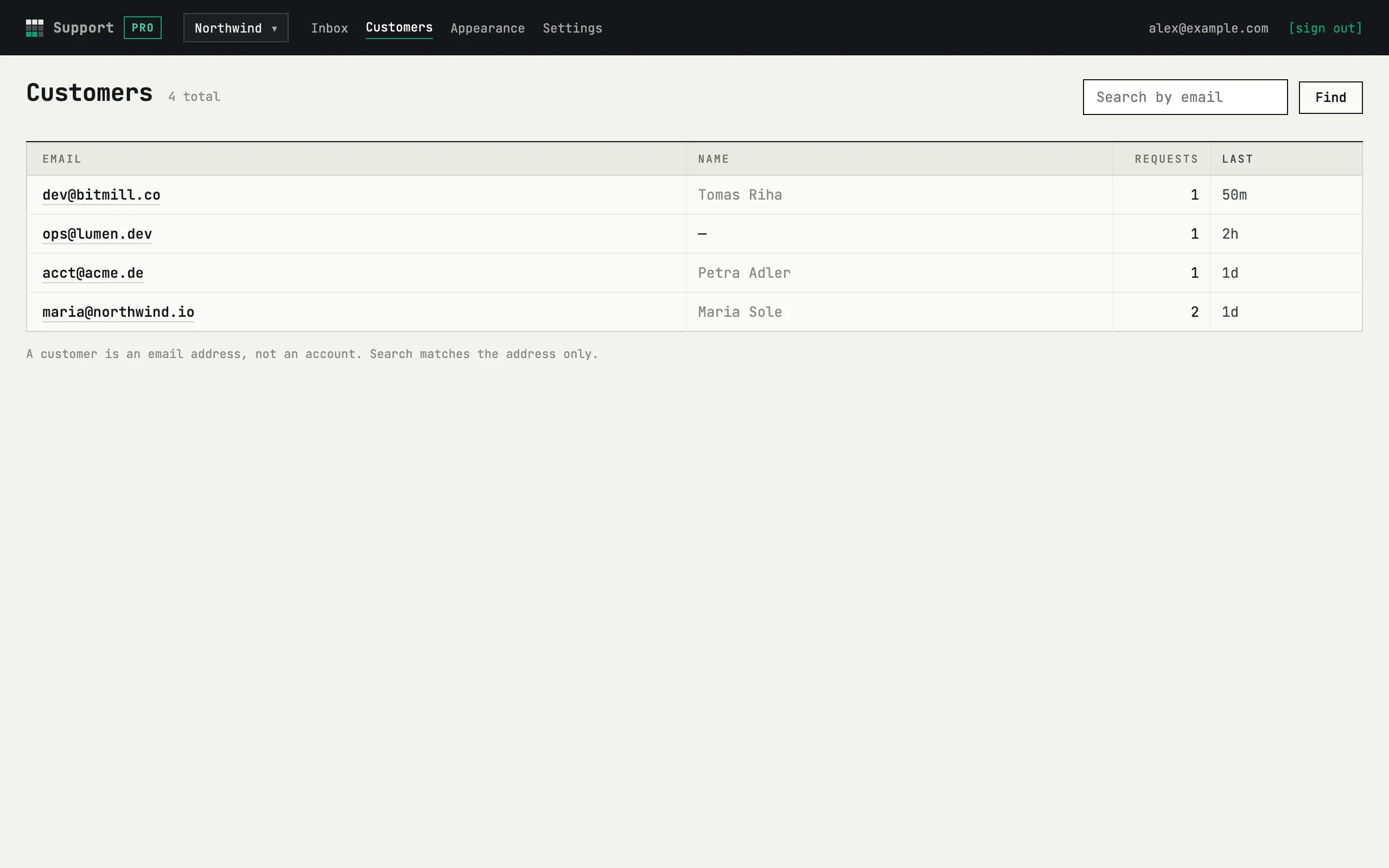
Section titled “The list”Customers shows every address that wrote to your service: email, the name they typed in the form (if any), how many requests they have and when the last message was. The search box matches the email address only — not names or message text. The list shows up to 200 customers, most recently active first.
The card
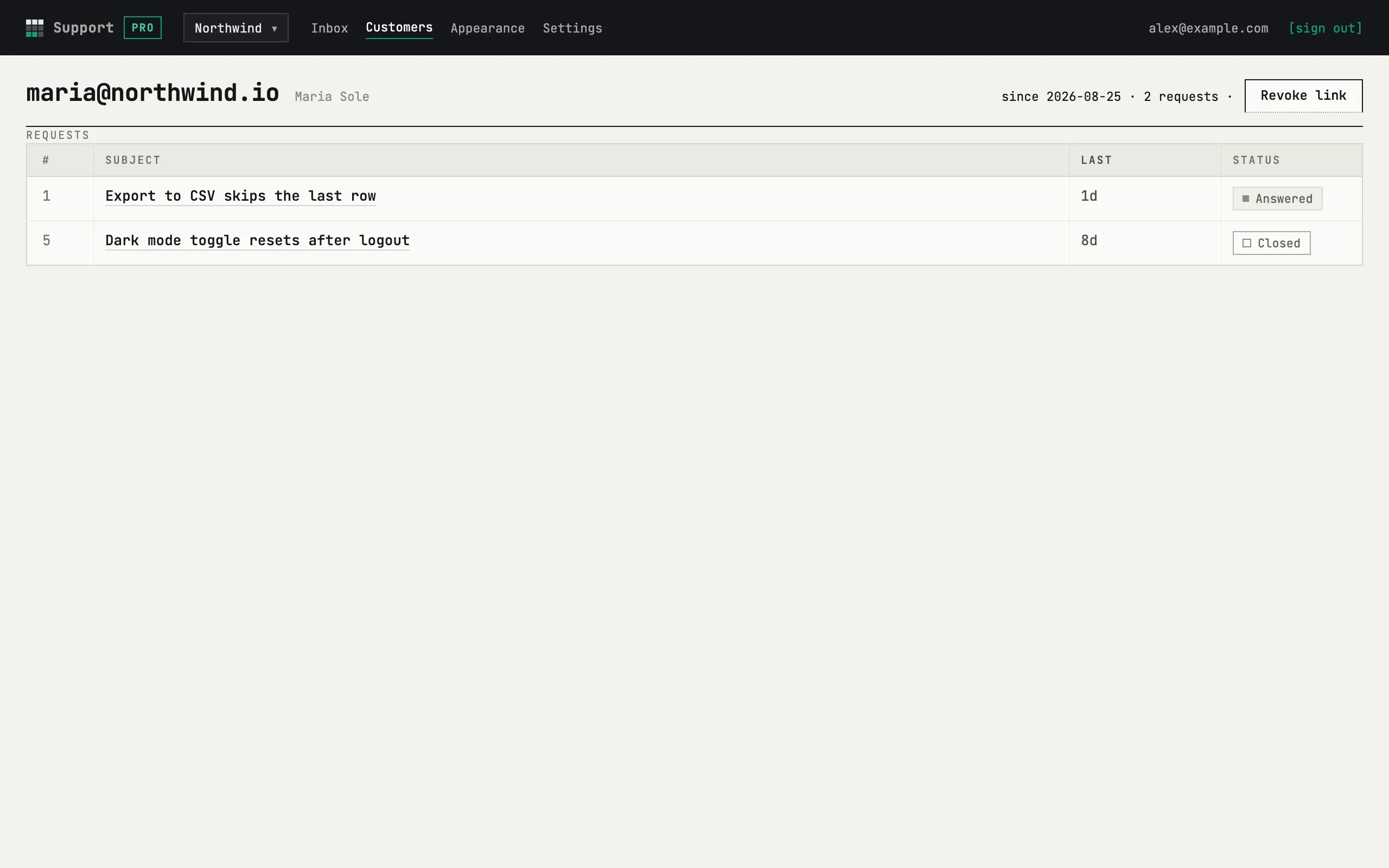
Section titled “The card”Open a customer to see their email, name, the date of their first request and all their requests with statuses; each row opens the thread in the inbox. The card is where you land from the customer link at the top of a thread.
Revoking the link
Section titled “Revoking the link”Each customer has one personal link, “Your requests”, that every email to them carries. If it was forwarded to the wrong person or a shared mailbox changed hands, press Revoke link and confirm. The current link stops working immediately, on every device where it was opened; the customer gets an email with a new link to the same requests. Nothing is deleted.
Can I edit or delete a customer?
No. The name is taken from the first request that gave one and is not changed by later requests; customers and their requests are removed only together with the whole service — see Security and data.
A customer writes from two addresses
They are two customers. Support does not merge records; each address has its own link and its own list of requests.