Time report CSV export and totals in Time Recorder
Period and grouping
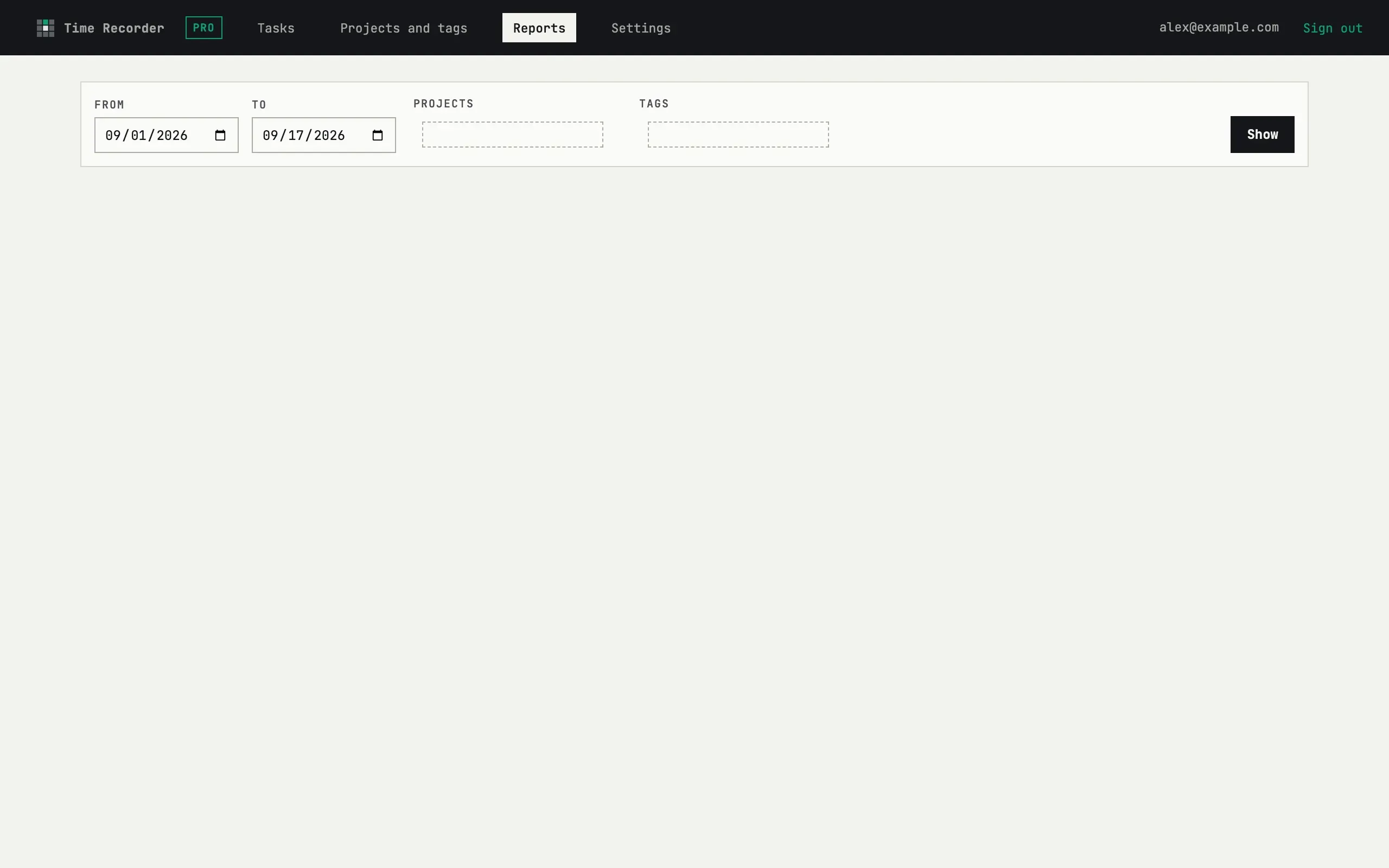
Section titled “Period and grouping”Pick a From and To date, optionally narrow by one or more projects or tags, and press Show. The report groups completed entries by project, then by task inside each project, with a subtotal per project and a total for the whole period — the grouping itself is fixed, there’s no separate per-entry view. Notes from an entry’s edits are joined together under its task.
Exporting
Section titled “Exporting”Download PDF and Download CSV carry the same numbers as the
screen — both go through the same report-building step, so a file never
disagrees with what you saw. The CSV columns are Project, Task,
Hours, Entries and Notes, plus a total row; it uses ; as the
separator so it opens correctly in Excel. On-screen reports cover any
period on either plan; exporting a file is capped to the last 7 days on
Free and 180 days on Pro. PDF export additionally has a 30-minute cooldown
between downloads — CSV has none.
The CSV is empty for last month
It isn’t silently emptied — on the Free plan, an export longer than 7 days is refused outright, with The free plan exports up to one week at a time. and a Shorten to 7 days button next to it. Pick a week-long window instead, or upgrade to Pro for exports up to 180 days.