Magic-link sign-in and access for your fewbase account
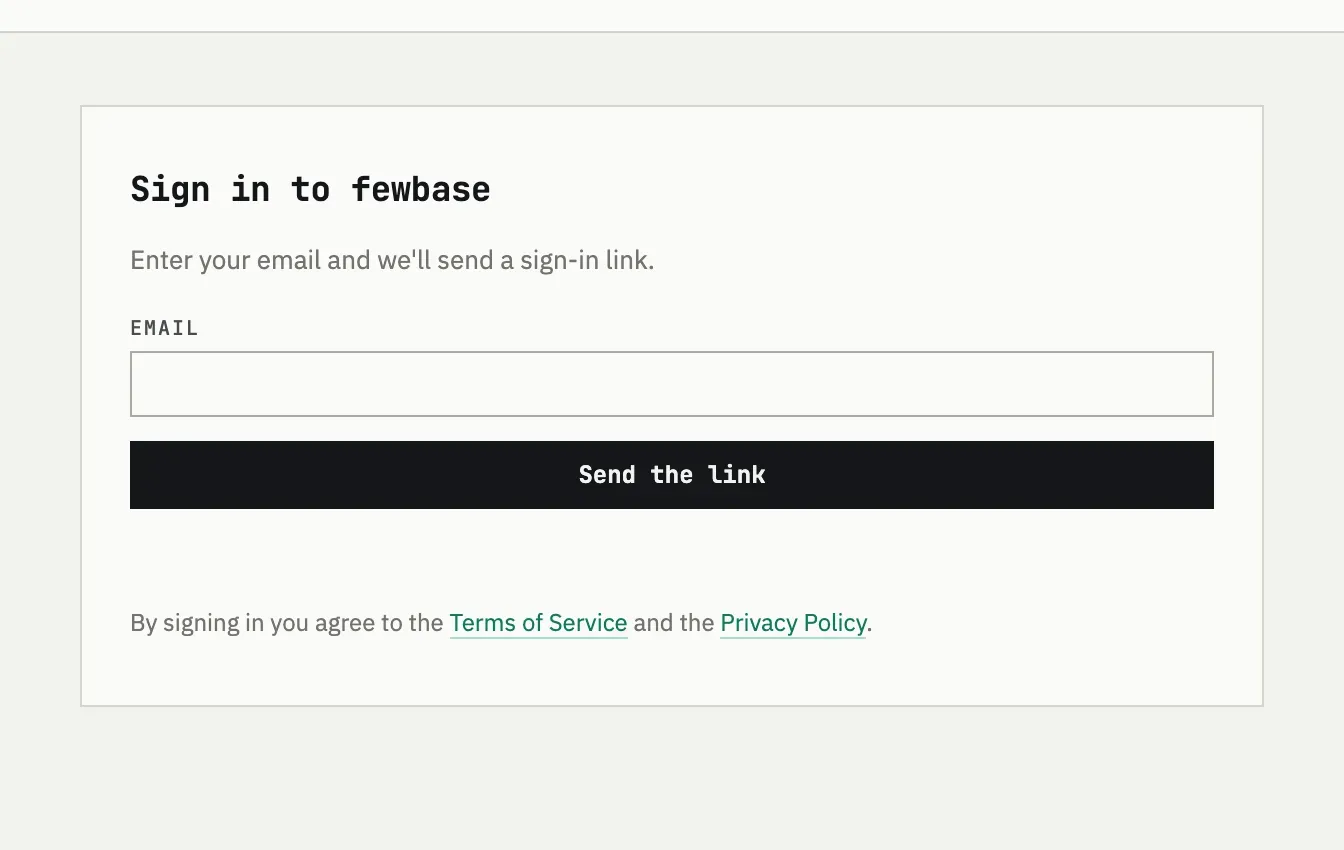
fewbase has no passwords. You sign in with a link sent to your email, on fewbase.com/login.
How the link works
Section titled “How the link works”Enter your email and press Send the link. The email arrives from
info@fewbase.com with a link valid for 15 minutes; opening it shows a
confirmation page where you press Sign in to finish. The link works
exactly once — using it a second time, or waiting past 15 minutes, asks you
to request a new one. Signing in keeps you signed in on that device for 30
days, or until you sign out.
On another device
Section titled “On another device”The link is not tied to the device that requested it. If you open your email on your phone after asking for the link on a laptop, the link still signs you in — on the phone. To use fewbase on a second device, request a new link there.
The email did not arrive
Check spam first — the sender is info@fewbase.com. If it is not there,
request the link again from the sign-in page. Requests are limited: after 5
attempts from the same email or IP address within an hour, sign-in replies
with “Too many attempts. Try again in an hour.”
The link says it expired
Sign-in links stop working after 15 minutes, and also stop working the moment they are used once — clicking an old link from an email thread, or a link you already used, gives the same “expired or already used” message. Go back to fewbase.com/login and request a new one.