Infra Tracker alerts and daily uptime digest by Telegram
Infra Tracker can reach you two ways: an immediate alert when something turns red, and one daily digest that covers everything else.
Channels
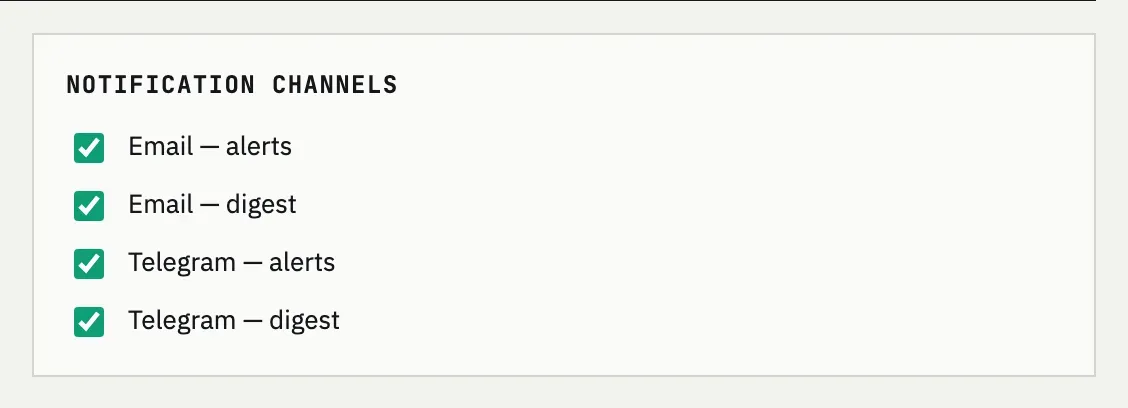
Section titled “Channels”Settings → Notification channels has four independent switches: Email — alerts, Email — digest, Telegram — alerts and Telegram — digest. The Telegram switches stay disabled until a chat is linked from your account — the Telegram card on the same page shows chat linked or chat not linked. With nothing turned on, the page warns: “No channel is enabled — notifications won’t reach you.”
Immediate alerts
Section titled “Immediate alerts”A check turning red — down, a certificate chain gone invalid, a domain or certificate crossing the lowest expiry threshold — sends an alert right away, on whichever alert channels are enabled. It doesn’t wait for the digest hour.
Repeats while a problem persists
Section titled “Repeats while a problem persists”If the same problem is still open, Infra Tracker reminds you again after Alert repeat, hours (6 hours by default, set in Settings → Digest & intervals) rather than sending one alert and going quiet.
The daily digest
Section titled “The daily digest”The digest is a once-a-day summary — recent incidents and events across your projects — sent at the Digest hour you pick in Settings (07:00 by default), read against your account’s time zone. It arrives even when everything is healthy, since its absence would otherwise be the only signal something stopped working.
Too many alerts at night
Repeat alerts follow Alert repeat, hours regardless of the time of day — there’s no quiet-hours setting. Raising that value spaces out reminders for a problem that stays open; the one-time immediate alert on the first red still goes out right away.
Telegram is enabled but I get nothing
Check the Telegram card in Settings: the alert and digest checkboxes only deliver once the chat shows chat linked. Link it from your account, then re-enable the channels if needed.