Hosting and domain costs per project in Infra Tracker
Infra Tracker doesn’t bill you for anything itself, but it can keep track of what each monitored project costs elsewhere, so the dashboard doubles as a small budget overview.
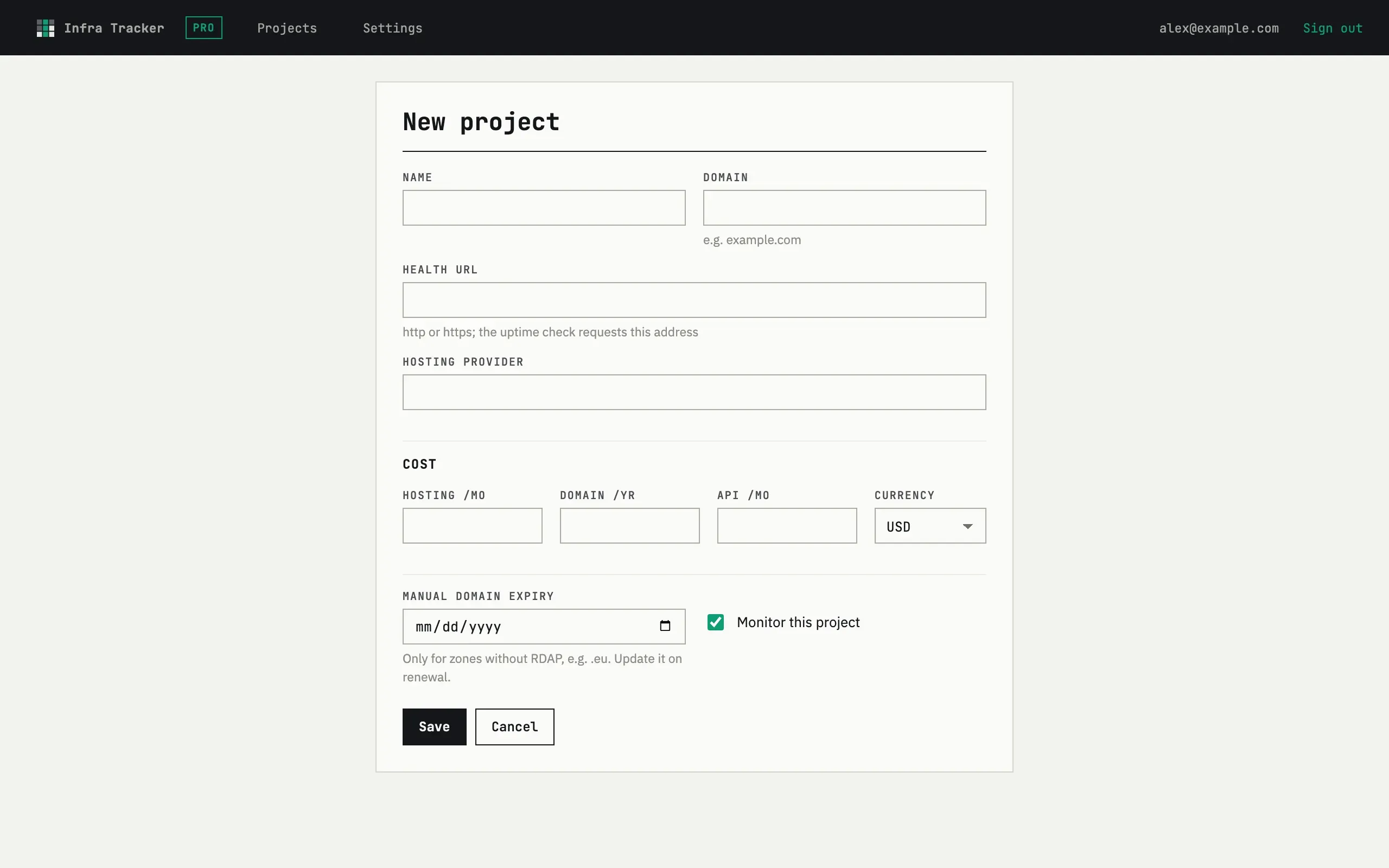
Cost fields on a project
Section titled “Cost fields on a project”The edit form’s Cost group has four fields: Hosting /mo, Domain /yr, API /mo and Currency (USD, EUR or GBP). A project’s monthly cost is Hosting /mo plus API /mo plus a twelfth of Domain /yr — the yearly domain fee is spread evenly across the months.
Per-project and portfolio totals
Section titled “Per-project and portfolio totals”The dashboard’s Cost column shows each project’s monthly figure. Above the table, a summary card totals costs per currency — labeled cost.eur, cost.usd and so on — showing both the monthly and the yearly figure. Projects in different currencies are never added together into one number: without exchange rates to convert them, one combined total would just be invented, so each currency gets its own line instead.

Why do I see more than one currency total?
Because your projects use more than one Currency. Each project keeps the currency it was saved with, and the summary groups by it rather than converting — set every project to the same currency if you want a single total.
What if I don’t fill in a cost field?
An empty cost field is treated as zero for that part of the calculation — a project with no hosting or API cost set still gets a monthly figure from whatever fields are filled in, most often just the domain fee.