Billing and purchases in your fewbase account
Payments go through Stripe Checkout; fewbase never sees your card details. One subscription covers every fewbase tool at once — there is no per-tool plan any more.
| Plan | Price (excl. VAT) | What it unlocks |
|---|---|---|
| Free | €0 | Each tool’s free tier |
| Pro | €9/mo or €90/yr | Pro in every tool |
| Business | €29/mo or €290/yr | Everything in Pro, plus Business limits where a tool has them (today: Support) |
Yearly billing is two months free. Tax is added at checkout based on your billing details. The full per-tool comparison is on fewbase.com/pricing.
Subscriptions Tracker forever
Section titled “Subscriptions Tracker forever”Subscriptions Tracker can also be bought once, for €9: the tracker is yours forever, and you get 30 days of Pro in every other tool on top. Every subscription (Pro or Business) includes the same lifetime access — it stays even if you cancel later. If you already subscribe, there is nothing extra to buy.
Promo codes
Section titled “Promo codes”If you followed a link with a promo code, the discount is applied on the Stripe page automatically. Otherwise, the payment page has a field for a code.
Managing your plan
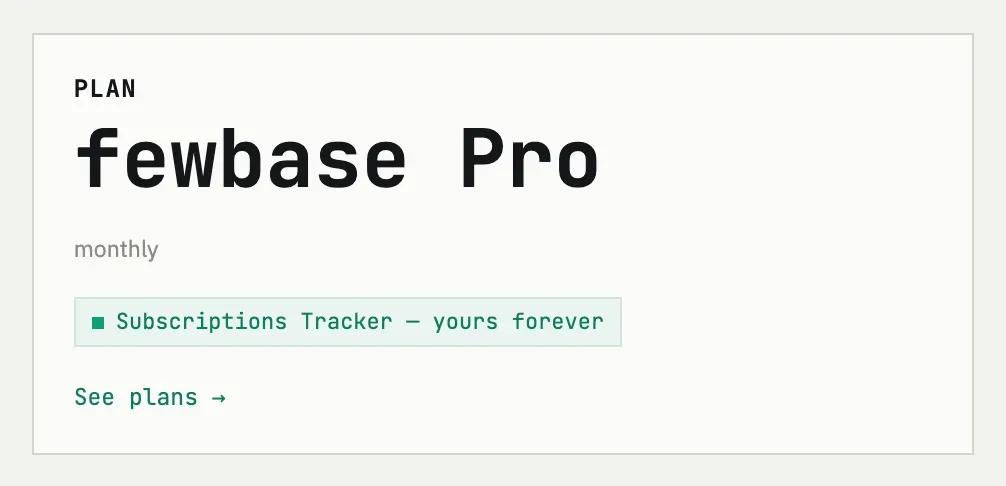
Section titled “Managing your plan”The Plan card on the account page shows your plan, billing period and the next renewal date. Manage billing opens the Stripe customer portal, where you can switch between Pro and Business (Stripe prorates the difference), update your card, download receipts or cancel. The portal becomes available once you’ve made at least one purchase — Stripe needs a customer record to open it, so a Free account that never paid won’t see this link yet.
If a payment fails, Stripe keeps retrying and your access stays active in the meantime — the card marks the plan “past due” until the retry succeeds or the subscription is canceled.
After a subscription ends
Section titled “After a subscription ends”When the paid period runs out, every tool’s free-tier limits apply again. Subscriptions Tracker stays unlocked: the lifetime access that came with your subscription does not expire.
Do I get an invoice for my purchase?
Yes. fewbase issues a monthly summary invoice from Opentech OÜ for the charges on your account; it appears in the Invoices card on the account page early each month.