Subscription costs in one currency in Subscriptions Tracker
Every subscription keeps its own currency, but the totals on the dashboard need one currency to add up in — that is the Totals currency.
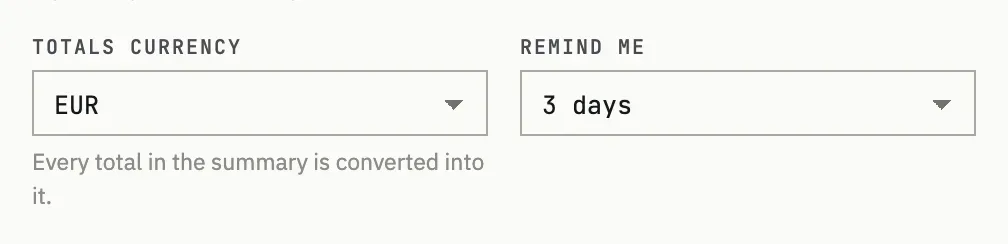
Setting the base currency
Section titled “Setting the base currency”Open Settings → Money & reminders and pick Totals currency. The hint under the field says it plainly: every total in the summary is converted into it. Subscriptions still show their own currency in the list; only the combined figures — monthly total, by-currency breakdown reduced to one line, by-category breakdown, and the upcoming-charges forecast — go through the conversion.
Where the rate comes from
Section titled “Where the rate comes from”Fiat currencies are converted using European Central Bank rates (served via the Frankfurter API); Bitcoin, Ethereum and USD Coin use CoinGecko prices in US dollars. Rates refresh once a day. If a rate has not updated in over a day, the dashboard notes it, and any currency without a usable rate is listed separately as excluded from the totals rather than guessed at.
Yearly to monthly
Section titled “Yearly to monthly”A yearly (or any longer-period) subscription is not shown at its full price in the monthly total — it is divided down to its monthly share first, then converted. A subscription billed once a year is counted as one twelfth of its price per month; the same scaling applies to every period length before the totals are added together.
The total looks different from my bank statement
The dashboard converts at today’s exchange rate, refreshed once a day; your bank or card issuer applies its own rate on the day it actually charges you, plus any fees it adds. A gap between the two is expected, not a bug.