Getting started with Subscriptions Tracker: first steps
1. Add your subscriptions
Section titled “1. Add your subscriptions”Open fewbase.com/subscriptions and press Add subscription.
Name, cost, currency, how often it charges and the next charge date. That is the whole form.
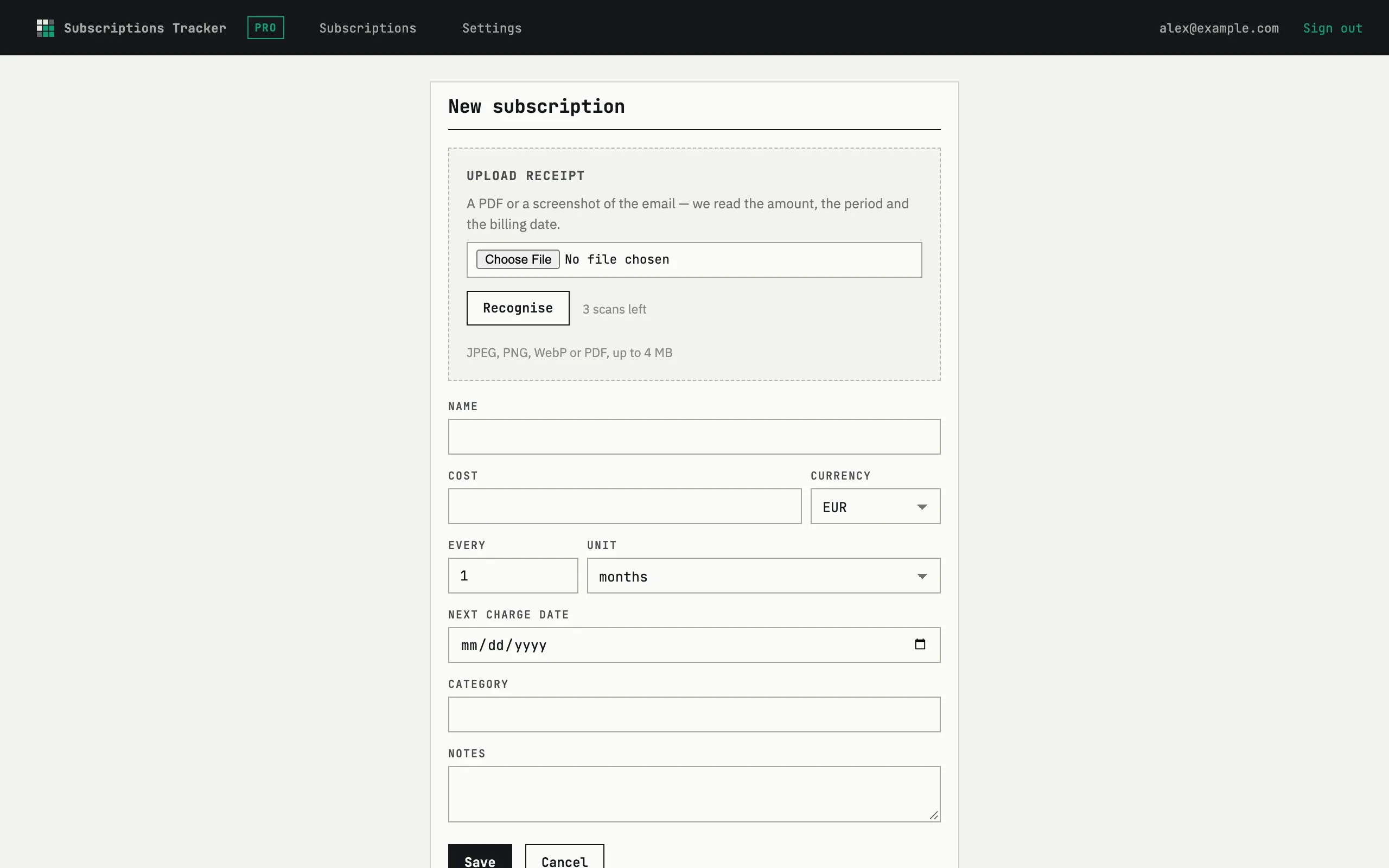
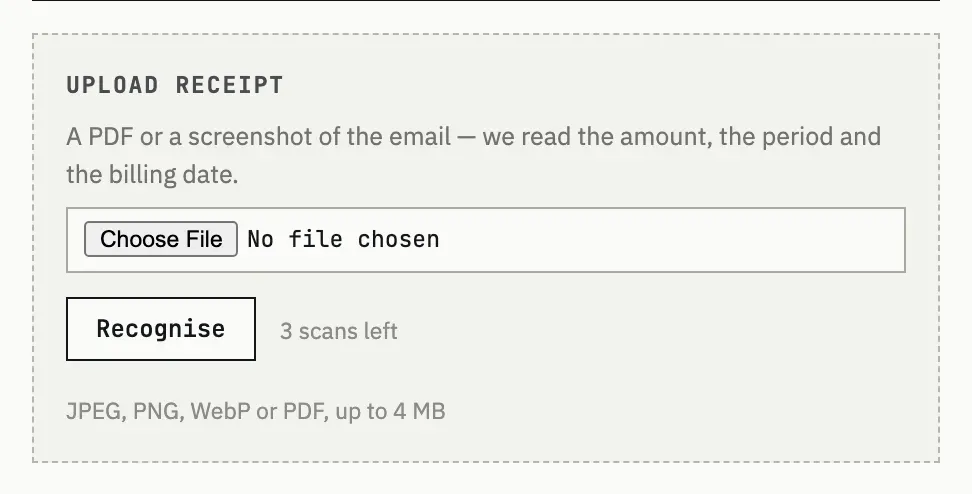
Upload the receipt email (as a file) or a screenshot, then press Recognise. The fields it could read are filled in; check them and save. Each recognition spends one credit — the first 3 are free and never expire.
2. Set your base currency
Section titled “2. Set your base currency”Settings → Money & reminders, field Totals currency. Every subscription is shown in its own currency and converted to this one for the monthly total. The same section has Remind me, which sets how many days before a charge you want to hear about it.
3. Pick where reminders arrive
Section titled “3. Pick where reminders arrive”Settings → Notifications: turn Email and Telegram on or off, each on its own. Telegram needs the account link — see Account & billing.

What happens when a subscription ends?
Press Archive on it. It leaves the monthly total, the by-currency and by-category breakdowns, and stops getting reminders, but stays listed under Archive so the history is not lost — Restore brings it back.