Site settings: domains, cookie domain, consent period and changes
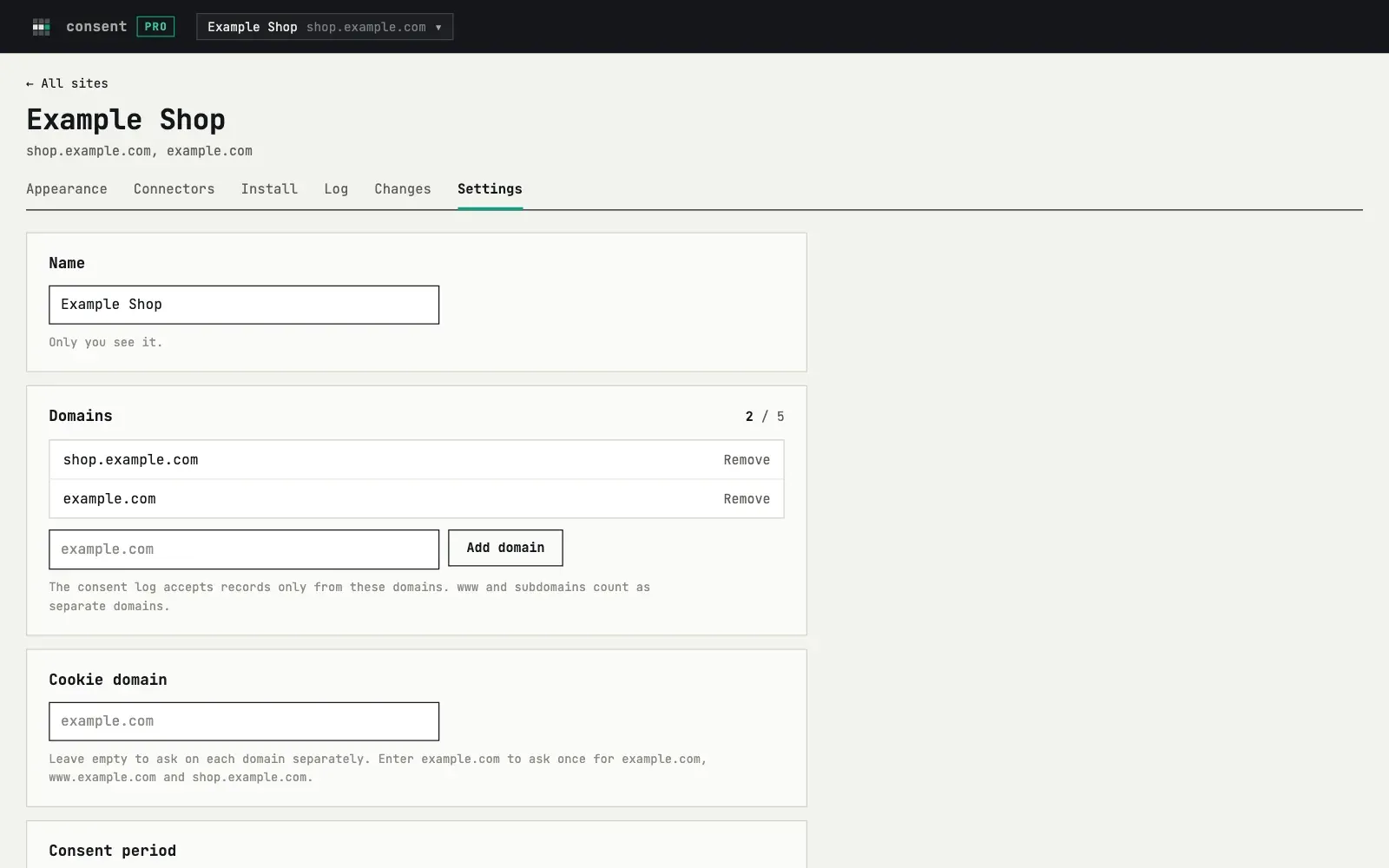
Only you see the name. It appears in the list of sites and in emails.
Domains
Section titled “Domains”A site can have up to 5 domains. The consent log accepts records only from
these domains. www.example.com and example.com count as two domains, so
add both if you use both.
Cookie domain
Section titled “Cookie domain”By default each domain asks separately. To ask once for a domain and all
its subdomains, enter the parent domain, for example example.com. Then a
choice on www.example.com also counts on shop.example.com. The value
must be one of your domains or its parent.
Consent period
Section titled “Consent period”After this time the visitor sees the banner again: about 12 months (default) or about 6 months.
Log page addresses
Section titled “Log page addresses”The log keeps the page path where the choice was made, for example
/pricing. Switch this off if your page addresses can contain personal
data, like /users/anna.
Delete site
Section titled “Delete site”You confirm by typing the name of the site. The banner stops showing within 5 minutes. After the site is deleted, the script stops showing the banner and your tools no longer load through it. Remove the line of code from your site too. The consent log is kept until its records are 12 months old, then deleted.
Changes
Section titled “Changes”The Changes tab shows what changed in the settings and when: appearance, texts, connectors, own scripts and domains, with the values before and after. The cookie domain, the consent period and the page logging switch are not listed there.
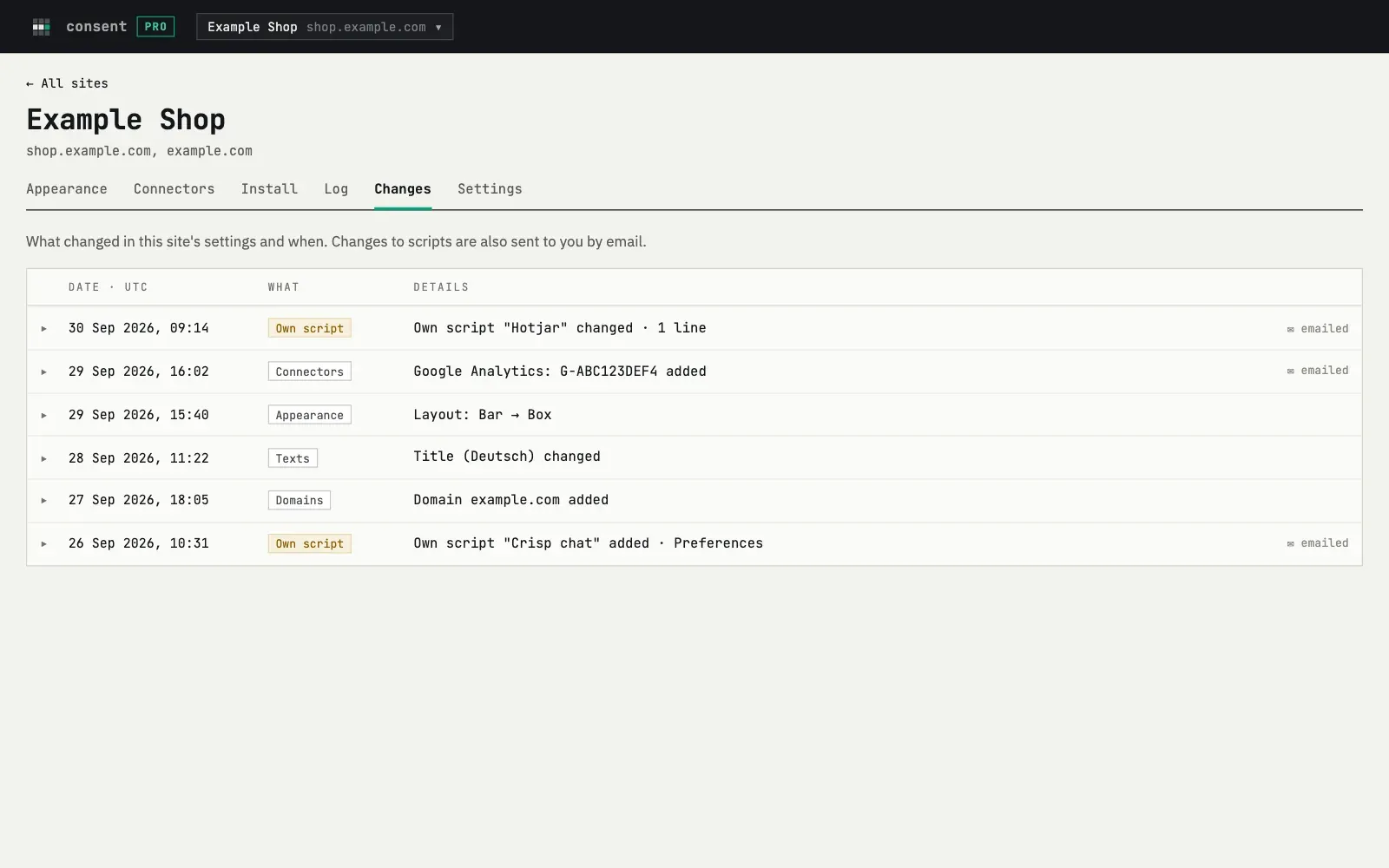
Changes to connectors and own scripts are also sent to you by email.